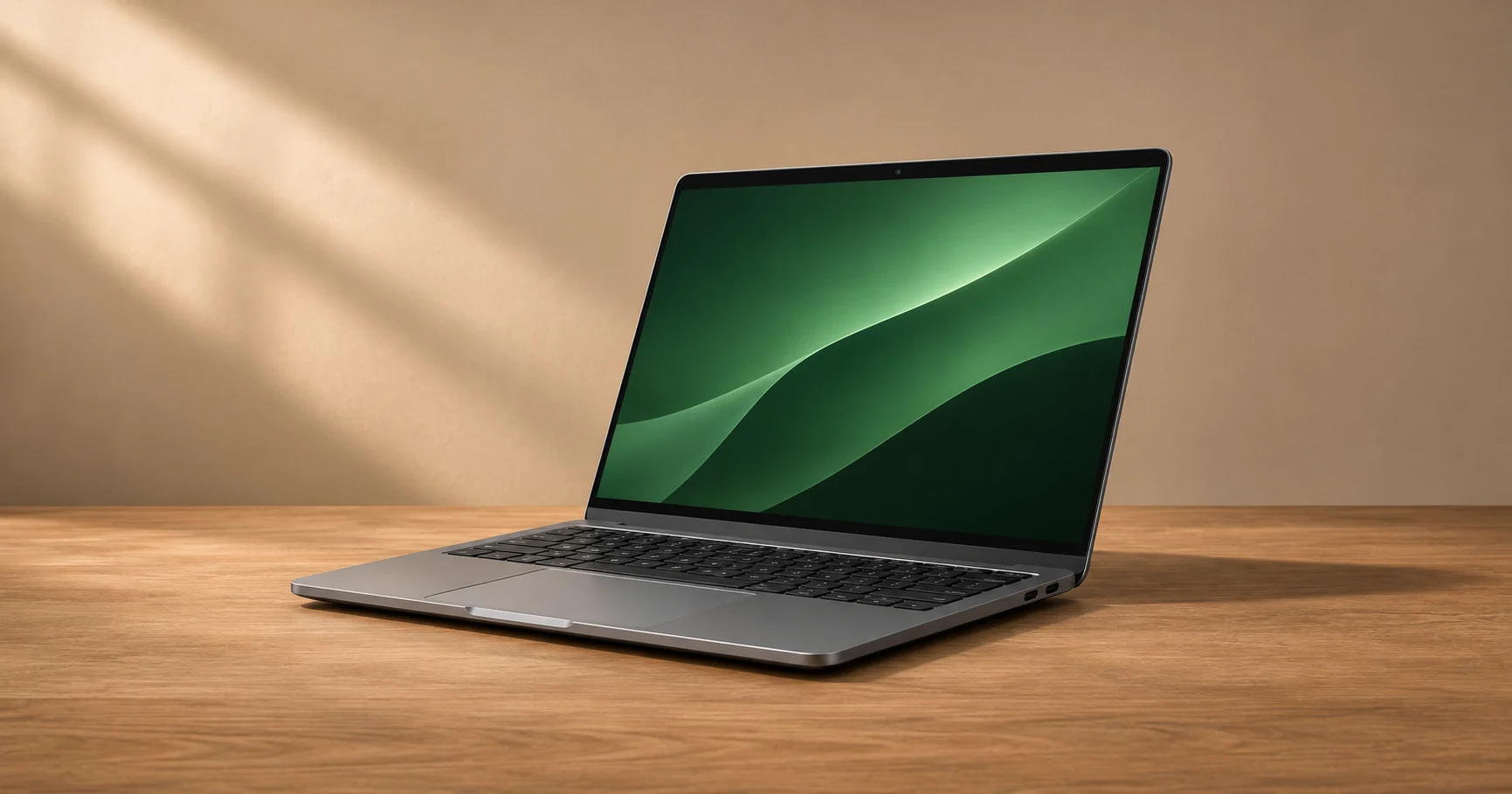
The bare laptop is only part of what goes in the bag. Think about the charger, adapters and where you will spend the day before paying more for a few hundred grams of savings.
This is a buying guide based on documented specifications and technical sources.
Weigh what goes in the bag
Compare the specific configuration, the charger you need and any adapter you normally carry. Compare the width and depth with your existing bag, not just the screen diagonal. A quick fit check can tell you more than the product photograph.
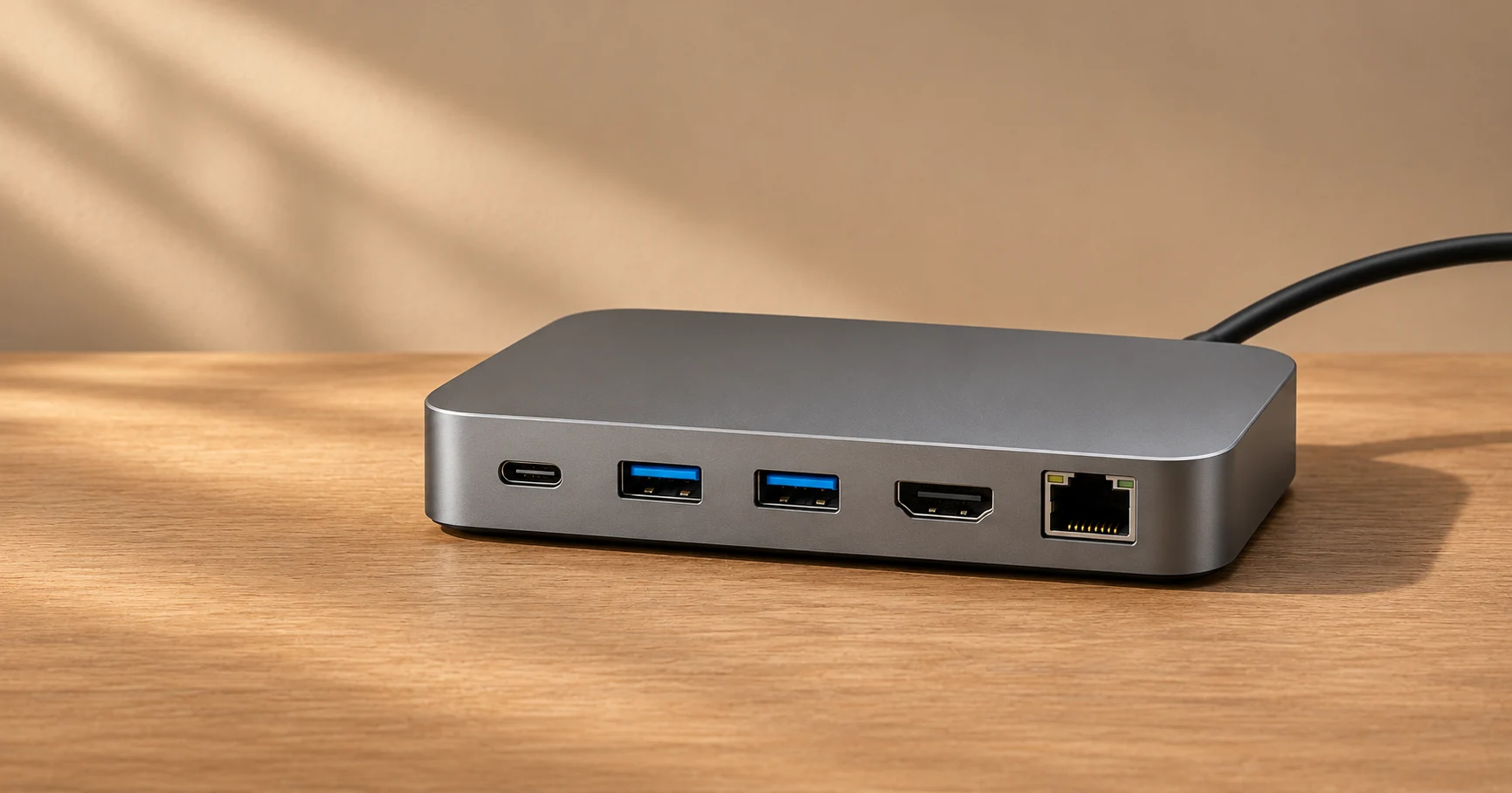
Read battery claims alongside the test method
Find the workload, screen settings and other test conditions behind the number. Video playback and web browsing are different workloads. If your day includes video calls or demanding work, seek measurements that resemble that day and budget for charging if you cannot find comparable evidence.
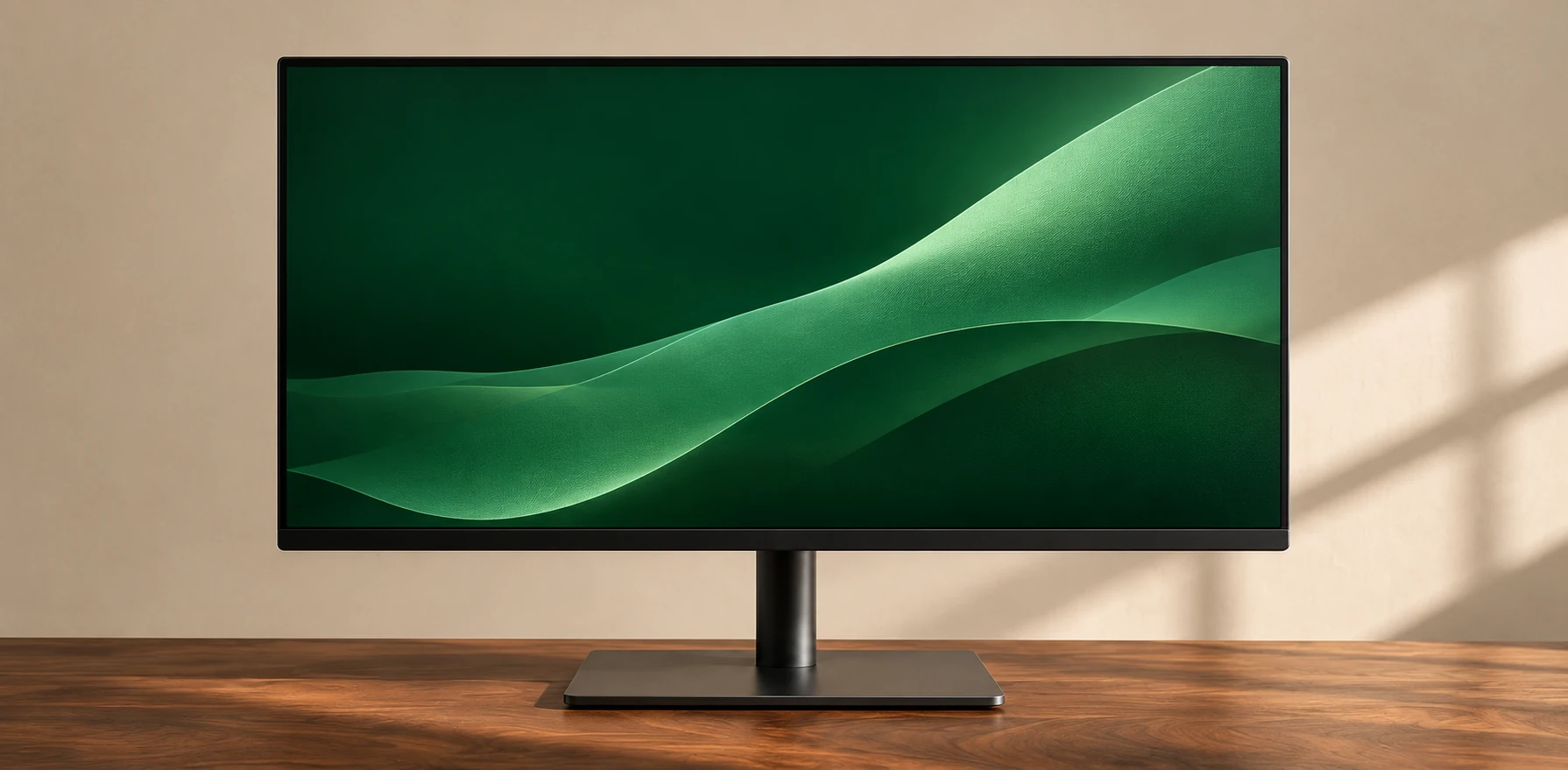
Check the screen and ports away from home
Think about display reflections, the brightness you actually use and whether the keyboard is comfortable on a small table. Then list the connections you need away from a dock. If the computer only has one port you can use for charging and accessories, sketch what happens when both are needed at once.
Pros
A compact machine with a small charger is easier to pack and can leave more room on a shallow table.
Trade-offs
Thin machines can trade away ports or screen space, and a light chassis does not guarantee long battery life under your workload.
Who it suits
Commuters, students and travelers who work away from their regular desk several days a week.
Conclusion
Compare the whole carry kit and the work it needs to do. Weight, usable battery life and an acceptable screen are more useful together than any single headline number.